Webinar Transcript
Hello, everyone, and thanks for joining us today. I'm Chris Harley with DATABASICS, and over the next 15 to 20 minutes or so, we are going to cover 7 time tracking game changers for 2027. I've spent the last... well, the last almost 30 years here in the time tracking and expense reporting market with DATABASICS, but what I wanted to really focus on is, in the last 5-6 weeks or so, I've spent a lot of time attending different accounting and finance conferences. We've been with NetSuite, Oracle, Microsoft, Sage Intacct, and talking to many customers and partners about what is important in time tracking, and what's coming down the road.
So we decided to put together this quick webinar to take you through what we see are the most critical items as it relates to time tracking out there. Now, there's some more things beyond just the seven, but I wanted to cover, really, the seven that we found our organization talking to folks like you guys about over the last few weeks, and then also to give you a glimpse into what's coming here in the future. For those of you who aren't familiar with DATABASICS, we're headquartered here in the greater Washington, D.C. area. We've been providing time tracking and expense reporting solutions really since the first web-based products came to market in the late 90s.
Being based here in the greater Washington, D.C. area, you will see a large number of our customers are government contractors, not-for-profits. And the reason I mention that is a lot of the feature functionality we'll talk about here today really originated with that customer base. Those organizations that are focused on tracking time and effort against some sort of project, activity, grant, fund, whether that's for internal tracking purposes, for costing, maybe for billing to external clients out there, or payroll purposes out there. So, when we talk about timesheets, different organizations use it for different reasons, and we'll certainly make sure to address that as we go through the presentation here today.
In addition to a time tracking solution, DATABASICS does also provide expense reporting. I know a lot of you on the call may use this for expense reporting, or are also looking at it from a time tracking perspective, but really, the focus today will be just around what we're doing here from a time tracking perspective. And if we kind of start that list of what the 7 most important ones are, of course, the number one topic of all technology out there is AI out there.
Game changer 1: AI and natural language questions
And so, the first thing customers prospects, partners ask DATABASICS, and I'm sure other vendors in the space, is what are you guys doing around AI? So, DATABASICS has had an AI strategy within our application here for about 2 years or so. When it comes to AI, there's a couple different areas where we see AI being leveraged. We look at it, the first and foremost piece as it relates to what we're doing from a natural language query, so really on the reporting side, so what can we use AI to do as it relates to getting us access to information much quicker?
The second area is what can we do to make life easier on end users? So, can we pick data up? And then the third area is what can we do to help support? The first area I'm going to talk about today is what we're doing around natural language queries. We've always had a very robust reporting platform within our solution, but like any reporting tool, it comes down to the comfort that the user has with he or she going in there and to create those queries. And so one of the first things that AI is doing, and you guys see this in your personal life, as well as with maybe other technologies you're leveraging there, is the ability to go out and do natural language queries.
What we're doing here, we leverage our solution, which we call DBee, which you'll see is that B there in the middle of the screen out there. What it'll allow a customer to do is go out there and to very quickly put a query in. It doesn't have to be done very technically, but you can do things like who's on PTO this week, or who's going to be taking PTO around the holidays at the end of December. And what the solution will do is it'll generate very quickly a quick data set of that information. It then also allows you to take it one step further to be able to put it in different views out there.
So you could tell it to go in and say, hey, show me who's on PTO, but you know what? Also add it into a calendar view that I can then share with the rest of the executive team, or whoever you want to share that with. So the first game changer we're talking about is AI. We still look at AI in somewhat in its infancy, as we continue to find other areas that it will support to fine-tune and streamline your life. But the first one is really looking at what we're able to do to eliminate the need for managers, approvers, executives to go out and to chase data, and to allow it to be done very quickly and easily.
So AI, hands down, is going to be probably the biggest piece of what we're seeing there as it relates to game changers out there. Now, with that being said, AI and other technologies can also allow us to simplify some other parts of it.
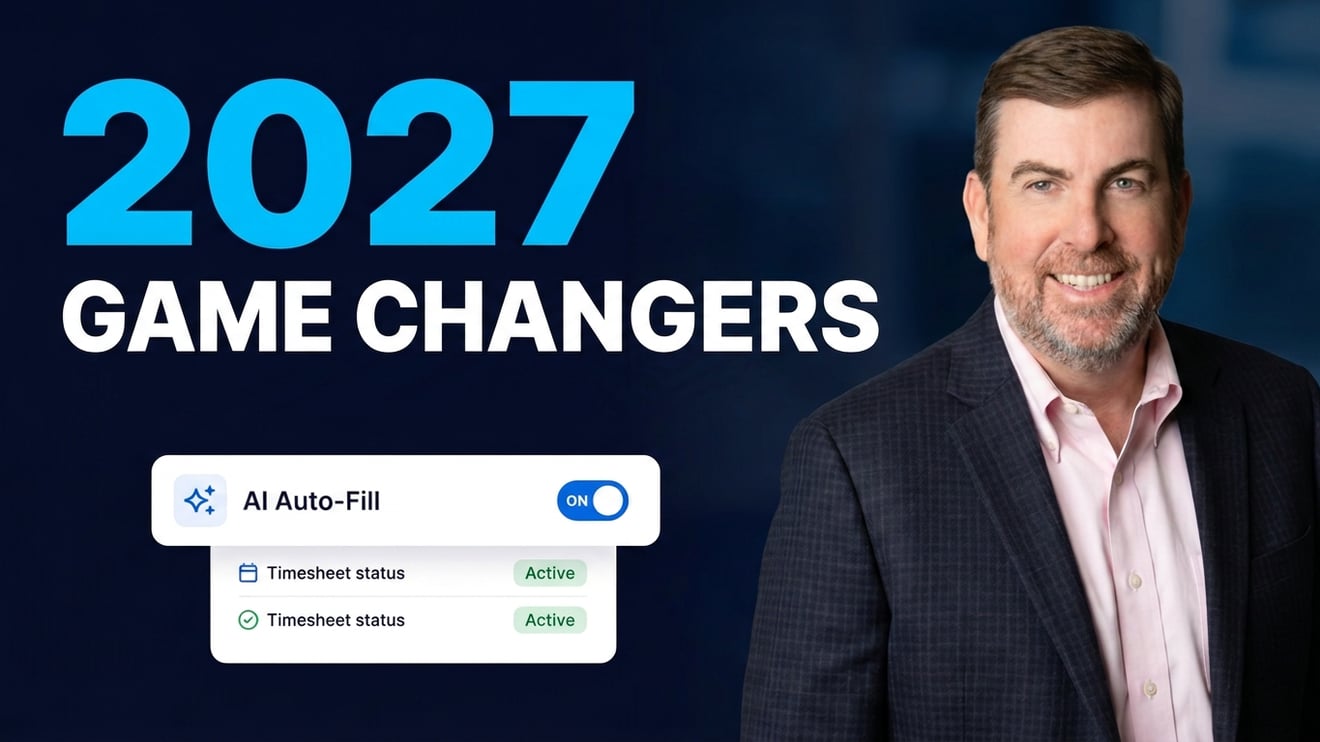
Game changer 2: Timesheets that start filled in
And if you ask any user out there what they hate about timesheets, what they're gonna say is doing timesheets. And the reason most employees don't like doing timesheets is because it takes time, effort, and oftentimes it's very cumbersome. And so what we've worked on here, and what we see as a real game changer, is how do we go out and to make life as easy as possible on the end user, so that he or she can simply review the information that's in the timesheet, submit it off for approval, and let the application work its way through the appropriate approval process.
With that being said, for those users right now, if you guys basically start with a blank timesheet, an Excel spreadsheet, a paper timesheet, wherever you may be, what a solution like ours can do is it can go out very quickly, it can create a favorite, it can auto-populate data in there. If you're leveraging a leave management solution, like what DATABASICS does here, it'll auto-populate all that information, so the user simply looks at the information, pushes it off to be approved, and then it starts working through the automation from that side. So, our big process here, and our big focus is how do we make this as simple and easy on the end user so that he or she is not, quote, hating what timesheets have out there from that side.
Now, with that being said, the reason employees don't like what they're doing from a timesheet perspective is because they've got to go back there and make sure they have the right projects, activities, and all the coding that takes place around that side of the process.
Game changer 3: Project allocations
And so what we try to do from a game-changing perspective is to make that process, again, as simple as possible. So, from an administrative perspective, what we often hear from organizations is, we don't have good information, or we have to open up all the project codes for individual users to see. So our number 3 game changer is going to be project allocations. How we can go out there and restrict the data set that people are able to see, so that when someone's going in there to enter that information, it's very clean and easy for them to enter.
An example would be if you've got 1099s or independent contractors out there, and you don't want them to see other project codes out there, so maybe they're working on a very specific project that you've designated there. We can set these time cards up so that when that person opens it up, they will quickly see the project in there. They don't need to even pick that information, they can enter the hours as needed, and then it will work its way through that process so that we can get those hours accounted for within the individual system. We can get them paid if they're a 1099 out there, but what we're trying to do, ultimately, with every one of these game changers, and this is really where our development spends all their time and effort, is how do we make life easy on everyone within the entire process, while still enforcing the standard controls and compliances that the accounting and finance group is looking to implement there.
Game changer 4: More integrations
Now, moving beyond that, the fourth game changer out here is really looking at integration. Now, we call it more integrations out there, and I should start with really just making sure you have your core and basic integrations out there, especially if you look at how you're leveraging time. And when we look at time entry, we typically see organizations that out there who are, you typically have an integration to your core financials, so maybe you're talking about a Microsoft Dynamics, or a NetSuite, or a Sage Intacct, or an Oracle out there, or a Deltek Costpoint. So that's where your project data may originate, and that would be your system of record.
So all that information would flow into our application, but then you may also be looking to leverage a third-party HCM system, or payroll system, like an ADP, a UKG, a Workday, someone else out there where you're looking to have maybe additional data points that would talk to what DATABASICS is provided out there. And so, we talk about more integrations. What our goal, and what we would say as it relates to a game changer out there, is looking at how you take your systems you have in place and to make their all integrated into your existing ecosystem.
Now, right now, the header of this, I talk about ERP and payroll, but it may also be talking about what you're doing from a reporting perspective. Maybe you're leveraging Power BI or other tools out there from the reporting perspective. So, what we want to do when we engage a customer out there is to make sure that the data we are importing into our solution, and ultimately exporting talks to your entire ecosystem. So it's not unusual that we would have an integration to, let's say, like a NetSuite, an ADP, and then maybe a Power BI out there, depending upon what you're trying to do.
And the important piece here is that we can automate all that integration. So it's not something that someone in your, you know, accounting or IT team needs to be pushing that import and export button, but rather making this data seamlessly flow between all of them so that this ecosystem operates as if it's one, not multiple different systems out there. Because we still see a best-of-breed approach as being one of the most common out there, because unfortunately, it doesn't seem like you can get kind of the robustness that you may need, or the specificity that you need specific to your individual requirement from one solution from that side.
Now, going back to controls and compliances, this is really going to talk about our fifth game changer. Now, this is not something that all of you... I was kind of looking at the types of industries that are sitting here on this call. Not everyone needs this, so this is probably one that, again, depending upon the type of organization you may have.
Game changer 5: Meal break rule compliance
But meal break rule compliance. We continue to see more and more compliance is being brought into the time card atmosphere. When we first started, we did a lot of work with government contractors, and so DCAA compliance was obviously something that everyone wanted to figure out. How do you automate and control those compliances out there? Meal and rest break compliance is one that's come up here in the last few years, depending upon certain states you work on, or with union work out there. What we're able to do is to automate these processes so that from a user perspective, we make sure that he or she is capturing where and when they're taking those meal and rest break.
We're making it as easy as possible for those users. But also, we're making sure that, from the administration perspective, you can see that those were actually taking place, who took them, and then audit trail tied against it. So we want to make sure that all of this comes down to automation. One of the things I mentioned here a few minutes ago was, as we talk about, kind of, ease of use, really, our focus is how do we balance the ease of use on the end user while still making sure we have all the controls and compliances for the organization out there, whether those controls and compliances are being, individual company controls and compliance, or whether there's state and local rules or federal rules out there.
Automation is the biggest piece, and you're going to continue to see that as we go into 2027, is automation, automation, automation is where it's all going as it relates to all these rules and compliances from that perspective.
Game changer 6: Capture time from anywhere
The sixth one we have here for game changers for 2027 is really the ability to capture time from anywhere, with any device, regardless of the type of time capture you have. What we used to see with time solutions out there is there was the ability to do certain things, you know, depending upon where a user would be in the world, for those organizations that, again, didn't have mobile devices, or didn't have a web solution, that we were still using paper. And what we saw with paper and other solutions is a lot of errors, and unknowns. This day and age, if you look at a solution like DATABASICS, we can go ahead and capture traditional time cards, we can do punch-in, punch-out, we can do time in, time out, we can do by percentage-based tracking out there, and it can be done through the web, it can be done through the phone, it can be done on a physical device, it can even be done on a shared device, like a tablet out there, if you're looking at, like, a field service or a construction environment out there.
So, at this point, there really should be no reason or need for an organization to be doing anything in a paper process. I mentioned we, you know, the last few weeks have spent a lot of time at different trade shows and conferences talking to folks out there. You know, we ran into someone the other day, an example where they were a company was moving coal, in the Dakotas. They had a large fleet that would move it between different projects out there, and the individual was talking to one of our representatives about how they were still doing paper processes, and they wanted to basically see if we could take a picture of a printed time card.
And what we showed them was there was really no need to do that, that even in an offline environment, we can still capture a collection of who and where that time was being allocated as it relates to the job, the individual, and once that person was back online, we could capture all the details around that. So, again, this day and age, regardless of the type of time you're trying to capture, there are devices out there to get this information and ultimately integrate it back into your accounting, finance, payroll system from that perspective.
Game changer 7: Labor cost visibility
And then, really, kind of the last one, as we look at game changers out there, is going back to kind of the automation, but also real-time data. Now, what I talk about here is the ability to look at labor costs. So again, when we kind of opened this conversation, we talked about different organizations using time capture for different reasons, whether you're using it for billing purposes, costing purposes, payroll purposes, so it really depends upon what you're trying to do. But what we're able to do this day and age, and this is kind of a combination of a couple different items out there.
One is making sure it's easy for employees to put data in. Two, leveraging AI to get to information very quickly without having to go through and build a report out there. Three, it's making sure we have good data within the time card. But once we have that, what we can do is give organizations access to information in real-time. So, if I have an employee cost within the time card, and the employee has entered their time in, we're able to real-time go out and to get that information. Now, we certainly recognize that from a finance perspective, you're going to go through, maybe you make some adjustments within that, but if at least you're sitting here, in this case, I'm sitting here on a Wednesday, actually, today's Thursday, if I was sitting here on a Thursday and I wanted to go out there and to see that information as far as what's taking place for this week, I can get to that information, and I can get that real-time, and what I don't need to do is to wait for someone on the IT side to print a report out for me, or wait for it to go into the accounting system.
So those organizations being progressive are recognizing that they can use a time solution like ours to get to a lot more information, see that information in real-time, and then to be able to make actionable decisions based upon that information without having to wait for it downstream.
Summary
So, in summary, wanted to go through this kind of quickly. These are the 7 game changers we're seeing from timesheets out there. The number one is AI, and you're going to see a lot more around AI. You're going to see how AI, as we move into 2027, will also do the auto-creation out there, but certainly the ability for AI to support what you're doing from a natural language query, a auto-creation perspective, and other items out there. Where additionally, we're going to see the ability for solutions to provide the appropriate information, so that when a user goes out there, he or she has as little interaction with the time card as possible.
What we're looking to do is to create a time card solution where employees don't mind going in, because it's very quick and easy to submit what they have, and that information is correct and looks good, so that when it goes through the approval process, there should be very little review and very little modifications taking place. More integrations. More integrations, the more you can have a solution operate within your entire ecosystem, the better data you have, the quicker access to data you have, and from a user perspective, the easier it makes it for he or she to go out there and enter the information you have.
Policy, controls, and compliance, and I really should have said automated policy, controls, and compliance. There are rules that are coming down, whether it's from the organization, whether it's from the federal government, or state and local agencies, or just the unions you guys do work with, and we want to make sure we can automate these controls and compliances at the point of entry, and not somewhere down the workflow out there, where we have managers or the accounting and finance group making adjustments to the time cards. The ability to capture time anywhere, I mean, it's interesting, this is really an expansion of what we did 30 years ago.
When I joined DATABASICS, we were looking to leverage the web to take what most organizations were either doing on paper or some sort of variation of Excel, and to get that into an automated workflow. This day and age, with the tools and technology you have at your fingertips, you should be able to capture your employees' time from anywhere. And then the last piece here is just putting good data into your time card so that you don't need to wait, again, downstream to get to information such as labor cost and visibility, whether you guys are doing budgeting, whether we're doing billing, or just looking at your internal cost out there.
It really should be much quicker and easier for you to manage what you're doing from a timesheet perspective. Now, we just talked about all these today.
Book a demo
Our team would be happy to take you through and show you what it looks like in a demo environment. If you've got some specific challenges that you're looking to do, please feel free to go out there and to book a demo with the team here at DATABASICS. What we would typically do is set up a quick phone call, understand what your current challenges are, and then we can set up the time solution to show you exactly what you're looking to do from that perspective, whether that is a clock-in, clock-out, a traditional time card out there, and again, regardless of the organization and industry that you're in, we're happy to help you out from that perspective.
So that, I wanted to thank you guys for the time here today. We will follow up with a copy of this presentation. And again, if you'd like to book a time to see this application live for your environment, we'd be happy to help you out. Have a great day, and we hope to talk to you soon.